

PagerDuty Inc in the AI Era: Why Incident Response for Agents Demands a Human-in-the-Loop Layer
PagerDuty Inc in the AI Era: Why Incident Response for Agents Demands a Human-in-the-Loop Layer
But when an AI agent pauses to ask "should I execute this action?" the problem is not alerting, it is waiting for a qualified human to approve or reject a pending decision. Those two patterns are not the same thing, and treating them as interchangeable is the mistake that breaks agentic workflows in production.
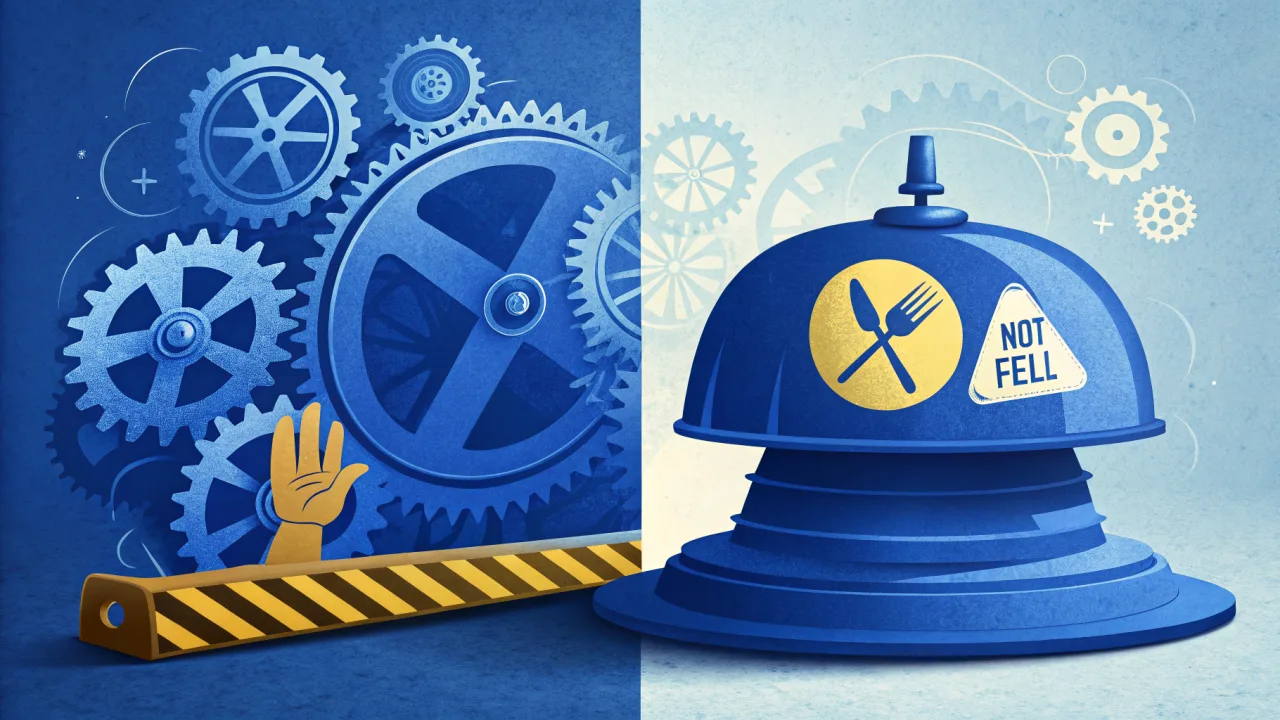
Companies like Netflix, IBM, Atlassian, Cisco, and Slack rely on its platform to route alerts, manage on-call schedules, and coordinate incident response. The service works spectacularly for its original purpose.
PagerDuty Inc Directly Defined
Its core value proposition is ingesting alerts from monitoring tools, deduplicating and grouping them into actionable incidents, and routing those incidents to the right on-call human via configurable escalation policies and response runbooks.
It is fundamentally a post-incident system: something bad happened, and a human needs to fix it. The platform was not designed to intercept an in-progress action and ask a human "should I proceed?" That is a pre-execution workflow, and it demands a different architectural layer.
What PagerDuty Inc Is and Whom It Serves
Its customer base includes large-scale infrastructure operators who need reliable paging at 3 AM.
Who Relies on PagerDuty Today
The concrete examples are telling. IBM uses it to orchestrate IT operations and security incident workflows across its hybrid cloud and enterprise client environments. Atlassian deploys it to automate DevOps incident management and on-call scheduling for its suite of collaboration tools. Cisco implements it to unify operations monitoring and incident response across networking and security product lines. Slack uses it to coordinate engineering alerts and on-call rotations for its enterprise communication platform.
These are all traditional infrastructure and operations use cases. A service goes down, humans get paged, the incident is resolved.
How PagerDuty Works: The Incident Lifecycle
Event Ingestion and Alert Processing
Each event provides a source, summary, severity, and custom_details field. The platform then deduplicates, groups related alerts into incidents, and applies intelligent alert grouping to reduce noise. For a deeper technical walk-through of PagerDuty's API integration model, see Decoding the PagerDuty API.
Escalation Policies and Human Paging
If the first responder does not acknowledge within the configured window, the incident escalates to the next level. The goal is to ensure a human sees the alert and takes action.
This lifecycle is asynchronous and unidirectional. The incident fires, the human gets paged, the human acknowledges, the human resolves. There is no built-in mechanism for the incident to carry a pending decision from an AI agent that is blocked waiting for a yes-or-no answer.
Where the Model Breaks for Agents
Contrast this with a human-in-the-loop approval queue. An AI agent executes a series of steps. At a decision point (refund this order for $500, or deploy this build to production), the agent creates an approval request, not an incident. The request carries the agent's reasoning trace, the context data, and the proposed action. A human reviews the context and approves or rejects. The agent then resumes execution. The entire exchange is logged for audit.
The approval model intercepts before an action. They are complementary patterns, but they solve different problems.
Architecting Incident Response for AI Agents
Step 1: Instrument Agent Telemetry
This gives your team visibility when an agent enters an unexpected state.
Step 2: Define Agent-Focused Escalation Policies
Create dedicated escalation policies for agent incidents. When the agent logs an unrecoverable error or the monitoring system detects hallucination patterns, the on-call operator is paged with agent reasoning context embedded in the incident details.
Step 3: Route Approval Requests to a Human-in-the-Loop Layer
For actions that require explicit human approval before execution, send the request to a dedicated approval queue. Examples: sending a payment, modifying a database record, or posting a public message. A single webhook integration sends the request with full context: what the agent proposes, the LLM reasoning trace, and the tool call logs.
Step 4: Notify the On-Call Human
AwaitHuman notifies the operator across omnichannel channels: Push, Email, SMS, Telegram, WhatsApp. The operator gets the complete context and can approve, reject, or request more information directly from the notification channel or the intervention dashboard. Learn more about how AwaitHuman's omnichannel notifications differ from PagerDuty's alerting model.
Step 5: The Agent Resumes
The decision propagates back to the agent. If approved, the action executes. If rejected, the agent logs the refusal and adjusts its behavior. The entire exchange is captured in an immutable audit trail.
Step 6: Log for Compliance and Fine-Tuning
The audit trail from AwaitHuman includes the LLM reasoning trace, the human decision, and the timestamped tool logs. Teams use this data for compliance reviews and for fine-tuning their agent's behavior.
Key Criteria for Evaluating Incident Platforms in the Age of AI Agents
When assessing any incident platform for agentic workflows, developers should evaluate six dimensions. The last three are where the category is still maturing.
- Alerting and Notification: Does the platform support omnichannel delivery (push, email, SMS, Telegram, WhatsApp) with dynamic escalation based on agent context or risk scores?
- On-Call Management: Does it offer flexible scheduling, automated rotations, and manual overrides for human operators?
- Integration with AI Tools: Can the platform receive events from LLM providers like OpenAI, Claude, and LangChain while preserving the full reasoning trace? Explore how native tool calling unlocks controlled AI agent escalation.
- Human-in-the-Loop Approval: Does the platform provide native, drop-in approval queues where an agent can pause with a pending action and receive a typed response, not just a paging notification?
- Audit and Compliance: Does it generate immutable audit trails that capture the agent's full reasoning, the tool call logs, and the human decision?
- Automation via Native Tool Calling: Does the platform expose escalation triggers that agents can invoke directly without custom middleware?
Its on-call management is mature, its notification delivery is reliable, and its API integrations are extensive.
Common Misconceptions About PagerDuty in the AI Era
Paging Is Not Approval
The second governs decisions before they execute. Overlaying a paging model onto pre-execution approval creates a system where humans are asked to "acknowledge" an incident rather than pass judgment on a pending action. These are cognitively different tasks, and the UI, the data model, and the audit trail should reflect the difference.
Audit Trails Must Capture Agent Reasoning
For AI agent compliance, teams need the full LLM reasoning trace, the tool call inputs and outputs, the confidence scores, and the human's explicit approval or rejection. The audit logs that satisfy SOC 2 or HIPAA reviewers for agentic workflows require capturing the state of the agent at the moment of decision, not just the incident timeline.
The Stock Price Reflects the Traditional Market
That is not a critique of the business. It is a signal that the company's product architecture is optimized for its existing market, not for the emerging approval-queue pattern.
When PagerDuty Fits Your Stack, and When It Does Not
A balanced recommendation helps teams decide where to invest.
Any scenario where the goal is to detect a failure, page the right human, and track the fix.
The platform lacks native approval queues. It does not preserve agent reasoning traces in the incident context, and does not provide the bidirectional communication channel an agent needs to receive a structured yes-or-no response.
The two layers coexist well. AwaitHuman provides the human-in-the-loop approval layer for pending agent decisions.
The Architectural Gap PagerDuty Inc Hasn't Closed
The technical difference comes down to synchronous versus asynchronous escalation.
When a server crashes, the alert is fire-and-forget. The incident fires, the human gets paged, the human responds, the incident resolves. The latency between alert and response is measured in minutes. The protocol is unidirectional: the monitoring tool pushes data, the human acts on it.
When an AI agent proposes an action, the agent is in a synchronous wait state. It cannot proceed until it receives a response. The protocol is bidirectional: the agent sends context, the human sends a decision, and the response loop includes both the decision and the reasoning. The system must preserve agent state across the wait.
AwaitHuman's approval queues, intervention dashboards, and context preservation features were built for the synchronous pattern. Teams that need both patterns (and most production systems do) deploy them in parallel rather than trying to force one into the other's shape.
Our developer guide to building an OpenAI Assistant approval gate walks through the implementation of this synchronous approval pattern step by step.
It is the right tool for the wrong job when applied to agentic approval workflows. The distinction matters because the infrastructure decisions teams make today (whether to bolt approval onto an incident platform or adopt a purpose-built human-in-the-loop layer) determine how safely and auditably their agents operate in production. Choose the layer that matches the pattern.
Awaithuman: pagerduty incident management
Traditional incident management tools like PagerDuty are designed for system alerts, not the novel failure modes of AI agents. This article explains why agentic workflows demand a human-in-the-loop escalation layer and how to build it.
Decoding the PagerDuty API: Why Your AI Agents Need a Different Kind of Escalation
The PagerDuty API is purpose-built for incident management, not real-time agent-to-human escalation. Here's why your AI agents need a dedicated human-in-the-loop layer instead.