

Awaithuman: pagerduty notifications
PagerDuty Notifications Can't Handle AI Agent Escalation, Here's Why
The platform guarantees a 99.9% notification SLA and, by default, sends high-urgency notifications immediately at 0 minutes.
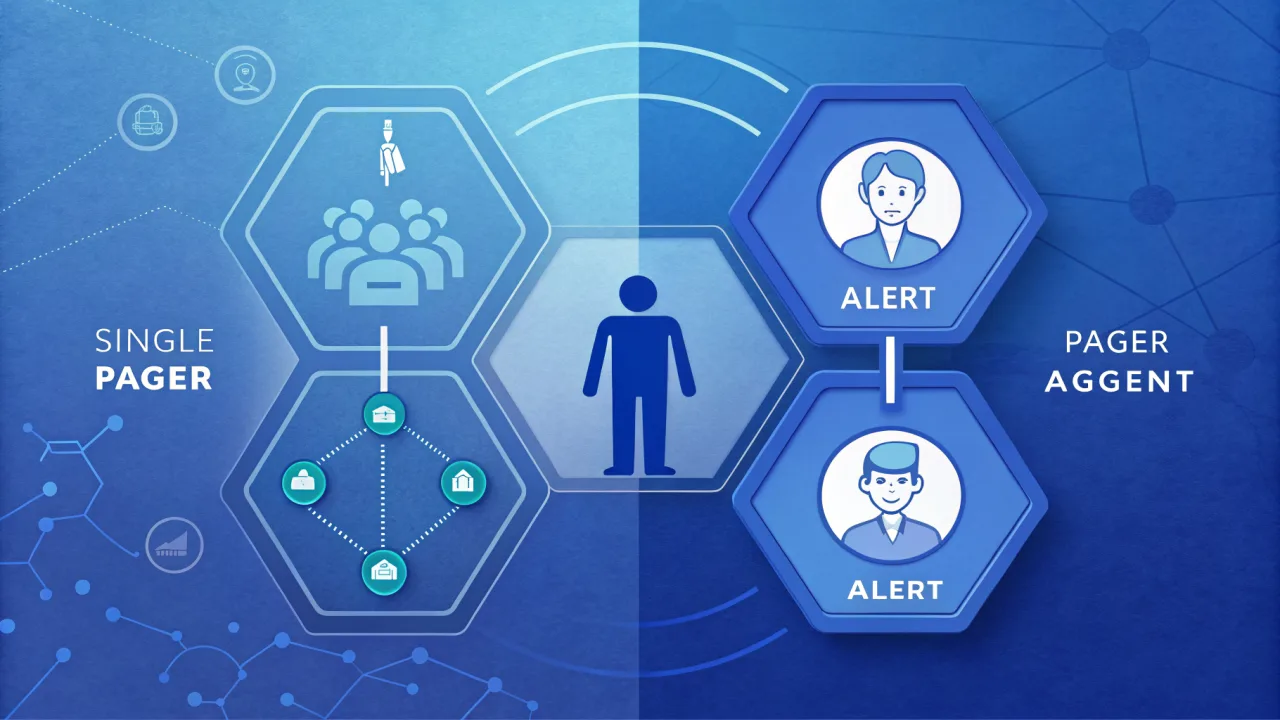
What PagerDuty Notifications Do in Incident Response
When a system detects a problem, a server is down, a threshold breached, it creates an incident in PagerDuty. The platform then routes a notification to the on-call responder using a chain of escalating rules: push notification first, then SMS, then phone call if unacknowledged.
The 99.9% notification SLA is a strong reliability guarantee. That's appropriate for infrastructure incidents where minutes of delayed response can cascade into outages.
Yet the notification is just a ping. It says: "Something broke." The human is expected to open their monitoring system, gather context, and decide what to do. That works when the incident is human-scale.
The Unwritten Assumption in Every PagerDuty Notification
They know which logs to check, which runbook to follow, how to diagnose. The notification is a trigger, not a briefing.
That assumption breaks down when the notification comes from an AI agent. An AI agent doesn't just say "I'm stuck." It can say: "I am 68% confident this order refund is valid, but the customer's last return was flagged for fraud. I need a human to review the reasoning chain and approve or override."
It cannot include the LLM's chain-of-thought, the tool calls the agent already made, the variables the agent considered.
The problem isn't delivery speed; it's information density.
What PagerDuty Notifications Actually Means for AI Workflows
But the human then has to switch to another tool to see what the agent was doing. The context gap adds friction and delays decisions.
What agentic escalation actually needs is a system that captures the full LLM reasoning trace, the tool logs, and the pending action, then sends that context alongside the notification, or even better, lets the human respond directly from the notification channel.
This is where the industry's terminology collides. "Notification" implies a one-way alert. "Escalation" implies a two-way interaction: agent pauses, human reviews, response flows back to the agent. That's a fundamentally different architectural pattern.
What to Look For in an Escalation Layer for Agentic Workflows
Here are the criteria that matter most when designing escalation for AI agents:
- Context preservation with reasoning trace. The escalation system must capture the LLM's chain-of-thought, the tool calls made, and the current state of the workflow. Without that, the human is diagnosing blind.
- Omnichannel alerts with reply capabilities. The human should be able to respond from wherever they are, Telegram, Slack, email, without opening yet another dashboard. The response must be structured (typed) so the agent can parse it.
- Dynamic escalation triggers. Not every uncertainty is equal. The agent should be able to set conditions like "escalate if confidence below 75%" or "escalate to finance team if amount > $10K." PagerDuty's rule engine is powerful, but it triggers on incident severity, not on agent internal state.
- Immutable audit trails. For compliance, you need a record of what the agent proposed, what the human decided, and when. This goes beyond PagerDuty's incident timeline, which logs actions but not the agent's reasoning.
- Drop-in integration. The escalation layer should integrate with a single webhook or SDK call, not require setting up a full incident management pipeline.
At AwaitHuman, we built exactly this: an escalation-as-a-service layer that connects to any LLM agent via a single webhook. Our omnichannel alerts let the human respond in the channel they already use, and our audit trails preserve the full reasoning trace for compliance and fine-tuning.
The Step-by-Step Approach: Designing Human-in-the-Loop Escalation
Building a proper escalation loop for agentic workflows follows a consistent pattern.
Start by defining escalation triggers inside the agent. Don't use a separate monitoring tool to guess when the agent is stuck. Have the agent itself signal uncertainty. This can be a native tool call: agent.escalate(reason, context).
Next, route the escalation with full context. The escalation message should include the LLM's reasoning trace, the variables the agent considered, and the pending action.
Then notify the human on their preferred channel. Push notifications are fine for urgency, but the message must be actionable. The human should see enough context to decide without clicking a link. If they do click, the dashboard should show the full trace.
Allow structured response. The human's reply must be a typed response, approve, reject, modify, so the agent can parse it and resume execution. A free-form Slack message is not enough; the escalation layer must enforce a response schema.
After that, resume the agent with the human's decision. The agent picks up exactly where it paused, with the human input injected into the workflow. The trace logs both the proposal and the decision.
Finally, log everything for audit. Every escalation creates an immutable record: what the agent proposed, what the human decided, and the reasoning at both ends. This is crucial for regulated industries and for improving the agent via fine-tuning.
We've seen teams succeed with this pattern using our approval gate integration with OpenAI. The key is that the escalation is a first-class part of the agent's workflow, not a sidecar.
When to Act: Traditional On-Call vs. Agent Escalation
You don't need to replace PagerDuty. You need to add a second pattern.
- Infrastructure incidents (server down, database latency, deployment failures)
- Security alerts (intrusion detected, credential rotation needed)
- Human-created incidents (support tickets escalated to ops)
There's no reason to reinvent the wheel for human-oriented incidents.
Use a dedicated escalation layer for:
- AI agents that need human judgment mid-workflow
- Autonomous systems that produce audit-worthy decisions
- Workflows where the agent's reasoning trace is critical to the decision
You need both in your toolbox.
We cover this distinction in detail in our article on multi-step approval for agentic tasks, where we explain why separate escalation layers scale better than forcing everything through incident management.
Common Mistakes to Avoid When Escalating from AI Agents
Teams that start building agentic workflows often make the same mistakes. Here are the ones we see most frequently.
Treating all escalations as urgency-tier incidents is a common misstep. Not every agent pause is a P1 crisis. Some are low-confidence identity checks that could wait minutes. Use dynamic triggers that map to agent confidence, not arbitrary severity codes.
Another frequent issue is sending notifications without context. A push notification that says "Agent needs help" is close to useless without the reasoning trace. The human wastes time opening logs, checking Slack history, and reconstructing what the agent was doing. Always bundle the LLM reasoning trace, tool calls, and pending action with the notification.
That's more than a notification test. Run through the full path before going to production.
Some teams disable notifications when the agent is working fine. They turn off alerts for low-risk workflows to reduce noise, but then miss critical escalations when the agent's confidence drops unexpectedly. Instead of disabling, set smart thresholds. Our guide on stopping AI from executing without human review walks through how to configure approval gates that only fire when the agent needs a second opinion.
For agent escalations, use an omnichannel strategy. If the push doesn't get acknowledged in 30 seconds, fail over to SMS or Telegram. Don't let a silent phone stall your agent for ten minutes.
The Architecture Shift: From Incident to Intervention
The deeper issue is architectural. An agentic workflow, by contrast, may involve thousands of decision points per hour, a tiny fraction of which need human help. Traditional on-call systems are not optimized for that ratio.
Agent escalation is designed to briefly pause an automated process. The two have fundamentally different latency and context requirements. The modern stack separates them cleanly.
We built AwaitHuman to fill that gap. Our intervention dashboards show the full agent context, LLM reasoning trace, tool logs, agent state, so a human can make a decision in seconds, not minutes. The escalation layer handles the routing, the notification, and the response parsing, all through a single webhook.
They complement each other without overlap.
Understand the gap, build the right layer, and keep your agents moving safely.
PagerDuty Careers in 2026: What You Need to Know Before Applying
A PagerDuty career offers stability from a 2009-founded company plus exposure to AI-augmented operations. But the real opportunity lies in roles where you help build the next phase of the Operations Cloud.
Why AI Agents Don't Need PagerDuty Logins: The Case for Escalation-as-a-Service
Most teams know how to log into PagerDuty. Few optimize their login method for incident speed, and fewer still plan for the day their agents trigger the alert.